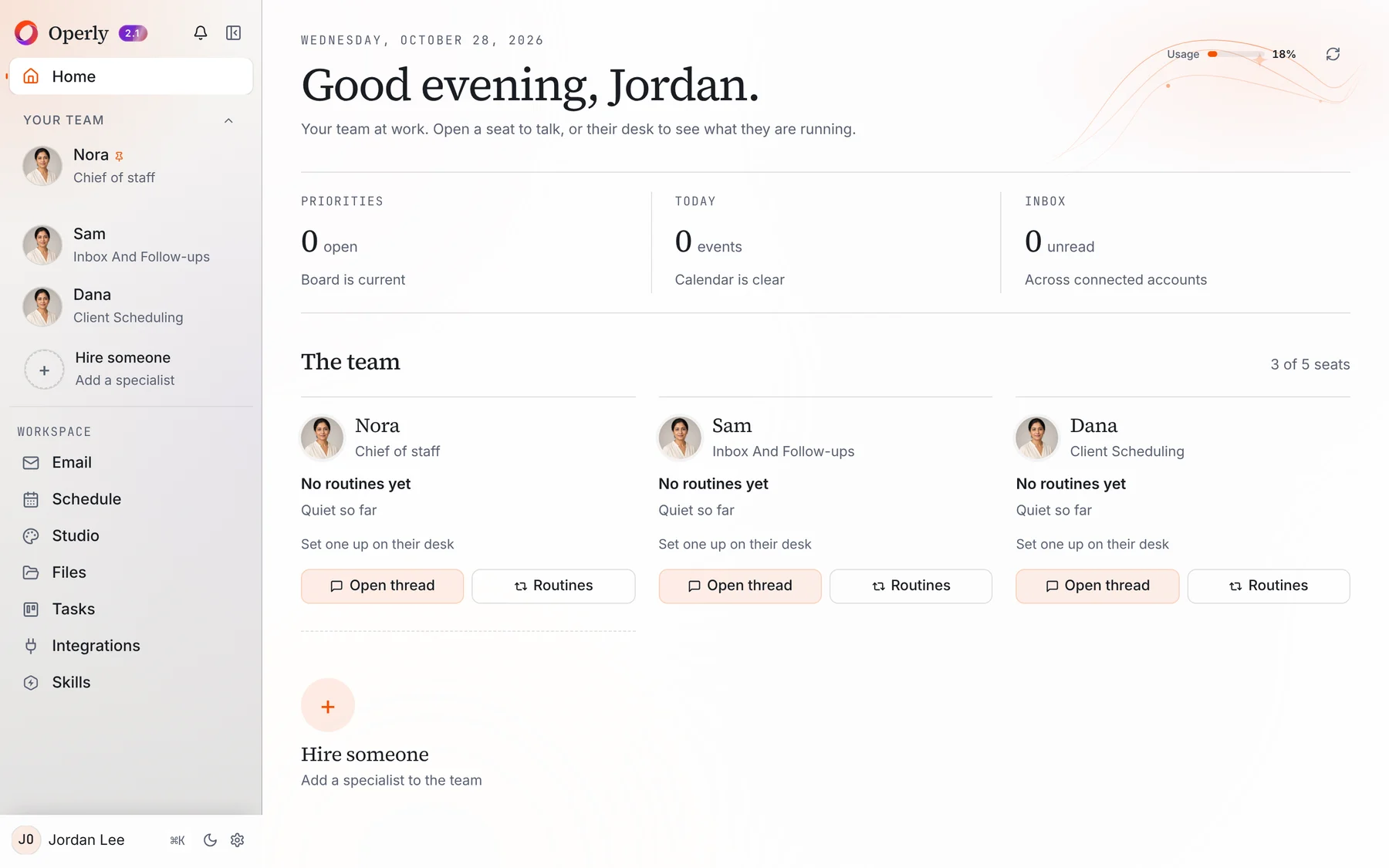
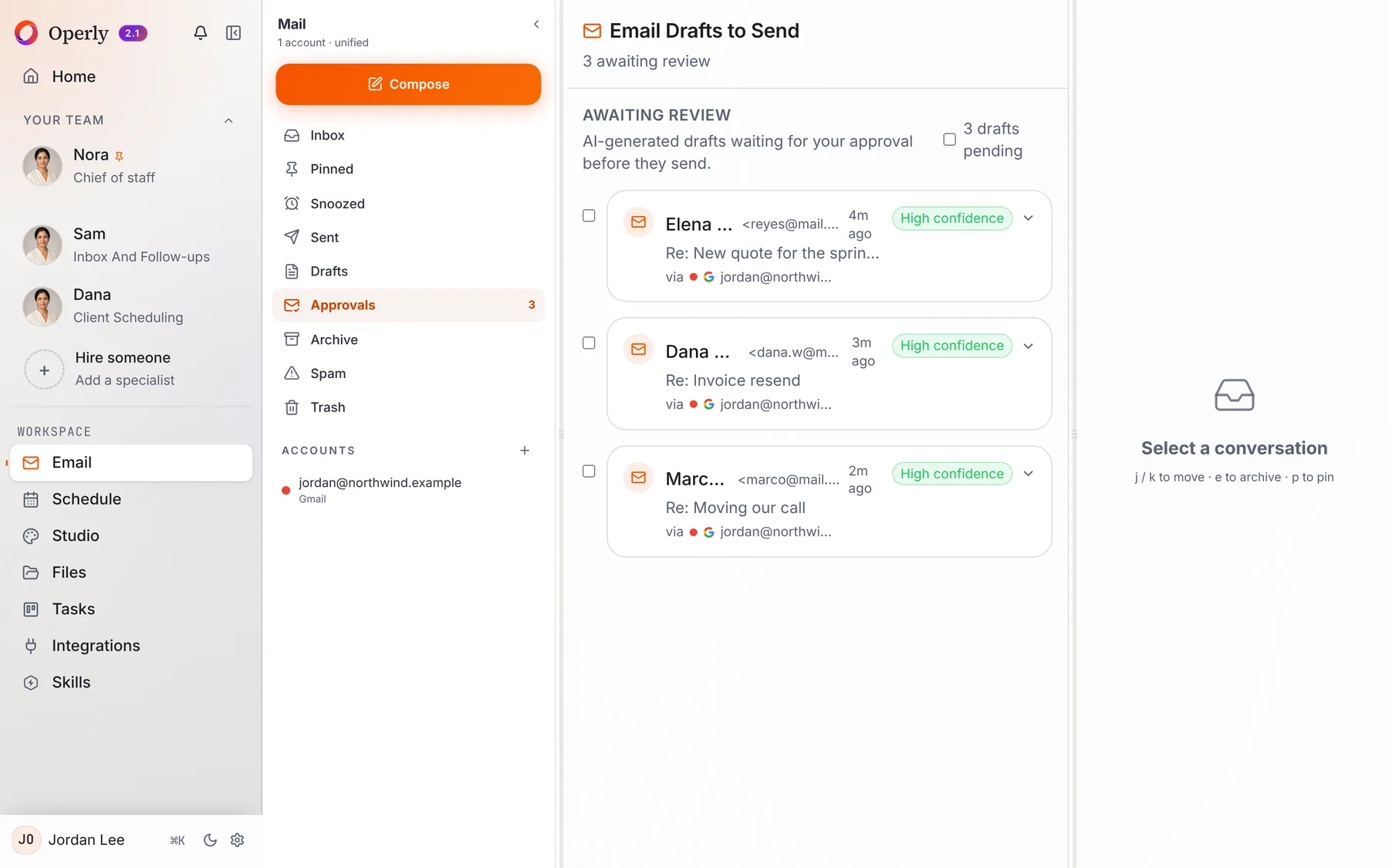
| What it is | Meta’s personal AI agent. You name it and shape how it talks | An AI team: a chief of staff plus named team members you create, each with a job |
|---|
| Built for | Personal life and work: email, calendar, shopping, bookings, budgets, health. Muse for Small Business adds skills and connectors for business owners | Running a small business: inbox and follow-up, tasks and calendar, content, with starter team members by profession |
|---|
| How many agents | Meta describes one personal agent | Pro includes 3 seats and Business up to 20, one team member per seat |
|---|
| Where it works | A secure computer with a browser shared by you and your agent. Meta says it keeps working after you close the app | Your connected inbox, calendar, files and apps. A workspace computer, on Pro and Business, that you can watch or take over |
|---|
| Approvals | You review and approve actions before they happen, such as sending emails and making purchases, and see a full audit trail | Your team carries out the sends you ask for, so ask for drafts when you want to read first |
|---|
| Shopping | Can check out for you with a one-time card number, with purchase protections from Link | The workspace computer, on Pro and Business, can find an item, compare prices and add it to the cart |
|---|
| Where you use it | Muse apps for iPhone, Android and Mac, and chat in WhatsApp | The Operly web app, iPhone and Android, plus Slack, Telegram and push notifications |
|---|
| Usage limits | Free with a usage limit. If you reach it you can upgrade to a paid subscription or wait until your free usage refreshes (Meta’s Muse FAQ) | One allowance shared by your whole team, shown as a single meter with its reset date. When it is used up, AI work pauses unless you turn on extra usage, which you cap in dollars yourself |
|---|
| Price | The app is free with in-app purchases (App Store listing) | Pro is $50 a month or $500 a year. Business is $200 a month or $2,000 a year |
|---|